

Stealer Logs Node
When you’re investigating cybersecurity incidents or tracking compromised systems, Stealer Logs Nodes store critical evidence from malware infections. They help you organize stolen credentials, system information, and infection details to understand the scope and impact of security breaches.What goes in a Stealer Logs Node?
Stealer Logs Nodes contain evidence from information-stealing malware:- Malware Information - Malware names, file paths, and infection timestamps
- Stolen Credentials - Email addresses, usernames, and passwords from infected systems
- System Details - Operating system versions and antivirus status
- Infection Timeline - When the malware infected the system
- Investigation Metadata - Source of the logs, confidence levels, and analysis notes
When you’ll use these
Stealer Logs Nodes are essential for:Breach investigations
Tracking compromised accounts and understanding the scope of credential theft in security incidents.
Malware analysis
Cataloguing different stealer malware families and their infection patterns across multiple systems.
Credential monitoring
Organizing stolen credentials to identify which accounts and systems have been compromised.
Threat intelligence
Building profiles of cybercriminal operations through analysis of stolen data patterns.
How to add stealer logs intelligence
1
Add stealer logs node
Grab the Stealer Logs tool from dock and click where you want it on your graph.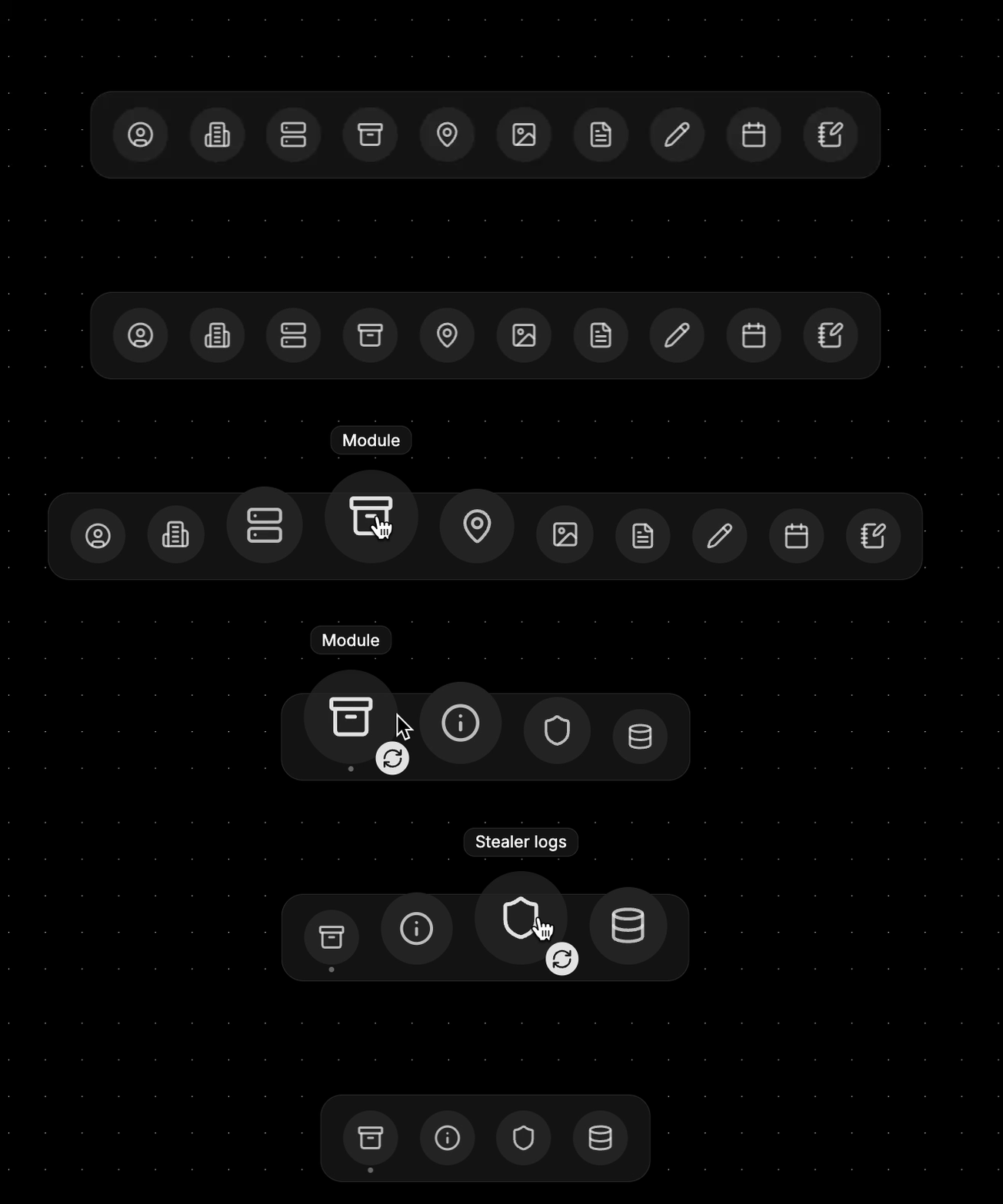
2
Identify the malware
- Malware name - RedLine Stealer, Raccoon, Vidar, etc.
- File path - Where the malware was located on the infected system
- Infection date - When the system was compromised
3
Add system information
Document the infected environment:
- Operating system - Windows version, architecture details
- Antivirus status - What security software was present or disabled
4
Import stolen credentials
Add the credentials stolen from this system:
- Email addresses - Often the primary account identifiers
- Usernames - Various service accounts and logins
- Passwords - Stored securely and displayed as masked
5
Set investigation context
Add metadata for your analysis:
- Source - Where you obtained the stealer logs
- Confidence level - How reliable this intelligence is
- Notes - Analysis findings and investigation observations
Connecting stealer logs to your investigation
Stealer Logs become powerful when you link them to other investigation elements:From credentials to people
Identity mapping: Convert stolen credentials to:- Identifier nodes for email addresses and usernames
- Organization nodes for corporate accounts
- Person profiles when credentials link to specific individuals
- Multiple stealer logs showing repeat victimization
- Timeline analysis of when accounts were compromised
- Geographic patterns of infection spread
Investigation workflow patterns
Credential breach analysis
Start with stealer logs, extract all credentials, then investigate which accounts are still active and need protection.
Malware campaign tracking
Group stealer logs by malware family and infection dates to identify coordinated attack campaigns.
Victim impact assessment
Map stolen credentials to affected individuals and organizations to understand breach scope.
Example: Corporate breach investigation
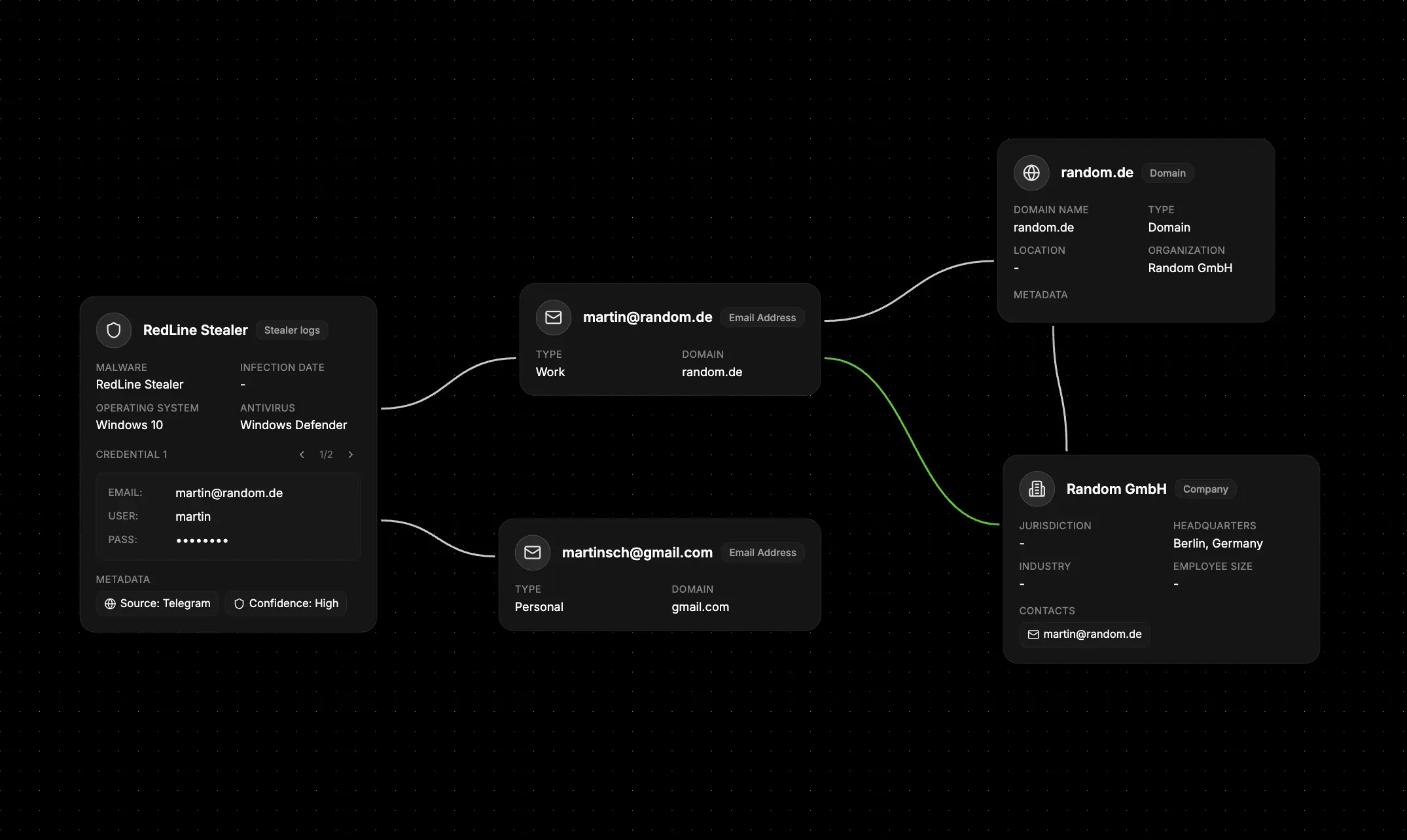
- Document the infection - Create Stealer Logs nodes for each infected employee system
- Extract corporate credentials - Convert work email addresses to Identifier nodes
- Map to employees - Link credentials to specific people in your organization
- Assess system impact - Document which corporate systems these credentials could access
- Timeline the breach - Use infection dates to understand the attack timeline
- Plan remediation - Use the credential inventory for password reset priorities
What else to connect
Stealer Logs Nodes work seamlessly with:- Identifier - Connect to stolen email addresses, usernames, and phone numbers
- Organization - Link to companies affected by credential theft
- Network - Connect to malware infrastructure and C2 servers
- File - Attach malware samples, analysis reports, and log files
- Event - Timeline infection dates and incident response activities
- Map - Geographic analysis of infection patterns and victim locations
- Notes - Add technical analysis and investigation findings